Live photos.
Live on screen.
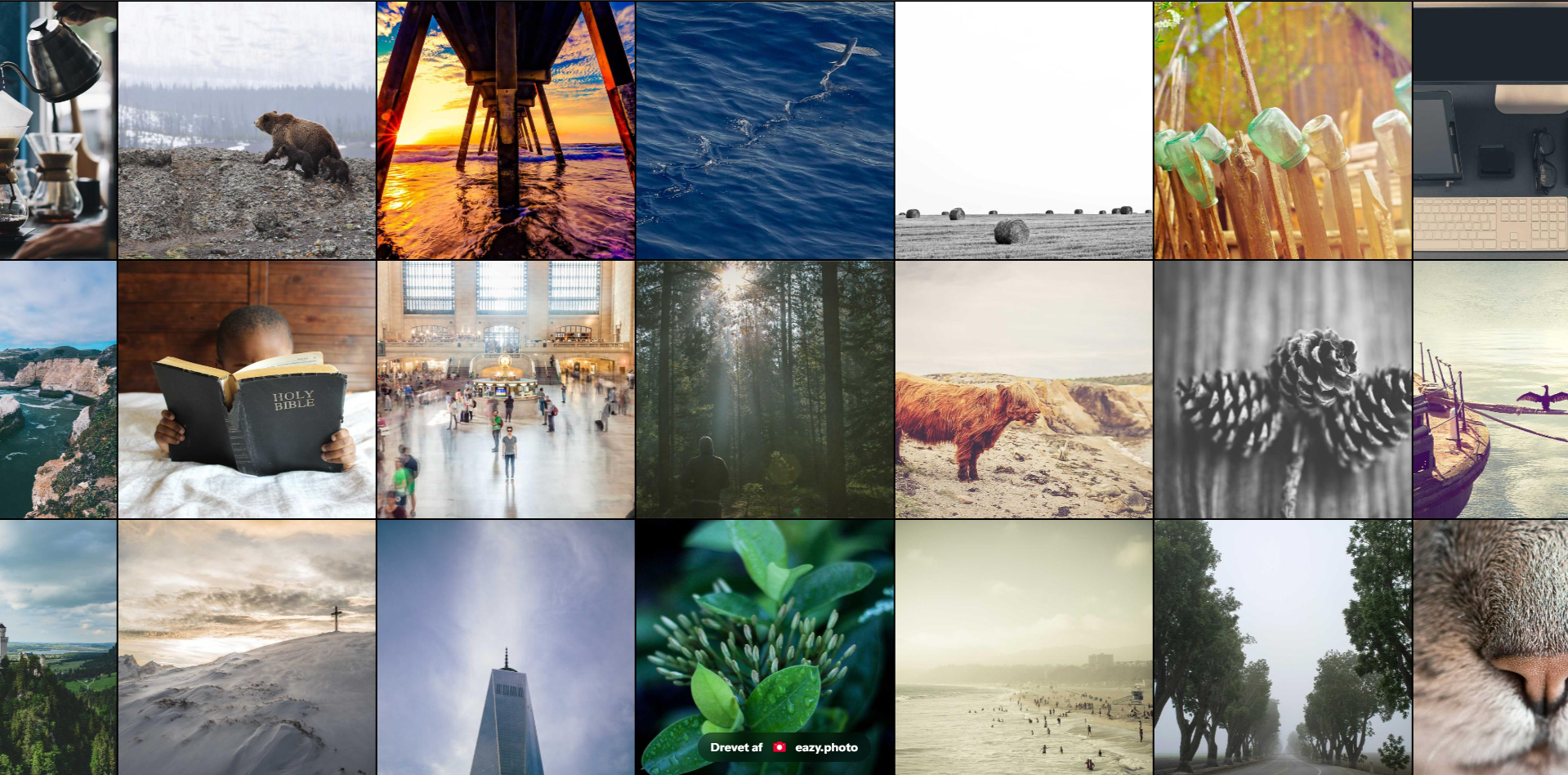
Guests upload via QR code - and photos appear on screen in real time. No app, no software. Open the browser on a TV or projector, and your Live Wall is running.
Your guests' photos. Live on screen.
Open the Live Wall on a laptop, TV, or projector - and let it run throughout the whole party. Every new photo guests upload via QR code appears automatically.
It creates an atmosphere that's hard to replicate. People immediately scan the screen looking for themselves and each other - and laugh out loud when they find them.
How to set it up
Three steps - from dashboard to live photos on screen.
Open the Live Wall
Find the live wall under Live features and open the link on the screen - or go to go.eazy.photo and enter the short live access code from your dashboard.
Guests scan
Guests scan your QR code and upload photos as usual - no extra steps for them.
Photos appear
Every new photo appears automatically on screen - no reload, no delay.
Everything you need for your Live Wall
Find the Live Wall on your event dashboard under Live features.
Real time
Photos appear on screen the moment they're uploaded. No manual refresh, no delay.
Any screen
TV, laptop, projector, tablet - the Live Wall works in any modern browser without installation.
Access code shortcut
Use the short access code on eazy.photo to quickly open the Live Wall without copying long links.
No extra steps for guests
Guests upload as normal via QR code. They don't need to do anything special - photos appear automatically.
Automatic layout
Photos arrange themselves in a beautiful grid on screen - adapted to the number of photos.
For all types of events
Weddings, birthdays, graduations, corporate events - the Live Wall works for any event with a screen.
Customise for your event
Choose the display type that fits the mood - and adjust speed and photo order directly from your dashboard.
Slideshow
Full screen with Ken Burns zoom and pan. Showcases each photo one at a time.
Mosaic
Square photo grid that scrolls and fills up as guests keep uploading.
Marquee
Continuous stream of photos in any direction - up, down, left, or right.
Spotlight
One photo at a time in full screen with fade or zoom - dramatic and elegant.
Live Wall + Photo Booth = the full party experience.
Combine the Live Wall with the Photo Booth feature. Staged shots from the Photo Booth and spontaneous moments from guests - all on screen in real time.
Guests see themselves on screen seconds after the photo is taken. That creates an energy in the room that lasts the whole party.
Related articles
Feature
Photo Booth
Combine Live Wall with Photo Booth - staged shots and spontaneous moments on the same screen.
Weddings
Tips for wedding photos from guests
Live Wall is especially popular at weddings - see how to get the most out of it.
DIY
Build your own Photo Booth
Build a complete DIY setup with tripod and screen - perfect for both Live Wall and Photo Booth.
Ready in 2 minutes
Create an event, find the Live Wall under Live features, and open the link on your screen.
Don't have the link handy? Go to go.eazy.photo on the screen and enter the short live access code from your dashboard - and you're live in seconds.
Get started for free